I was born too late for BBS boards. But Phrack magazine and Darknet Diaries episode 170 got me wondering what it actually felt like to sit at a terminal, dial a number, and hear that modem screech connect you to something you probably shouldn’t be connected to. So I built a game about it.
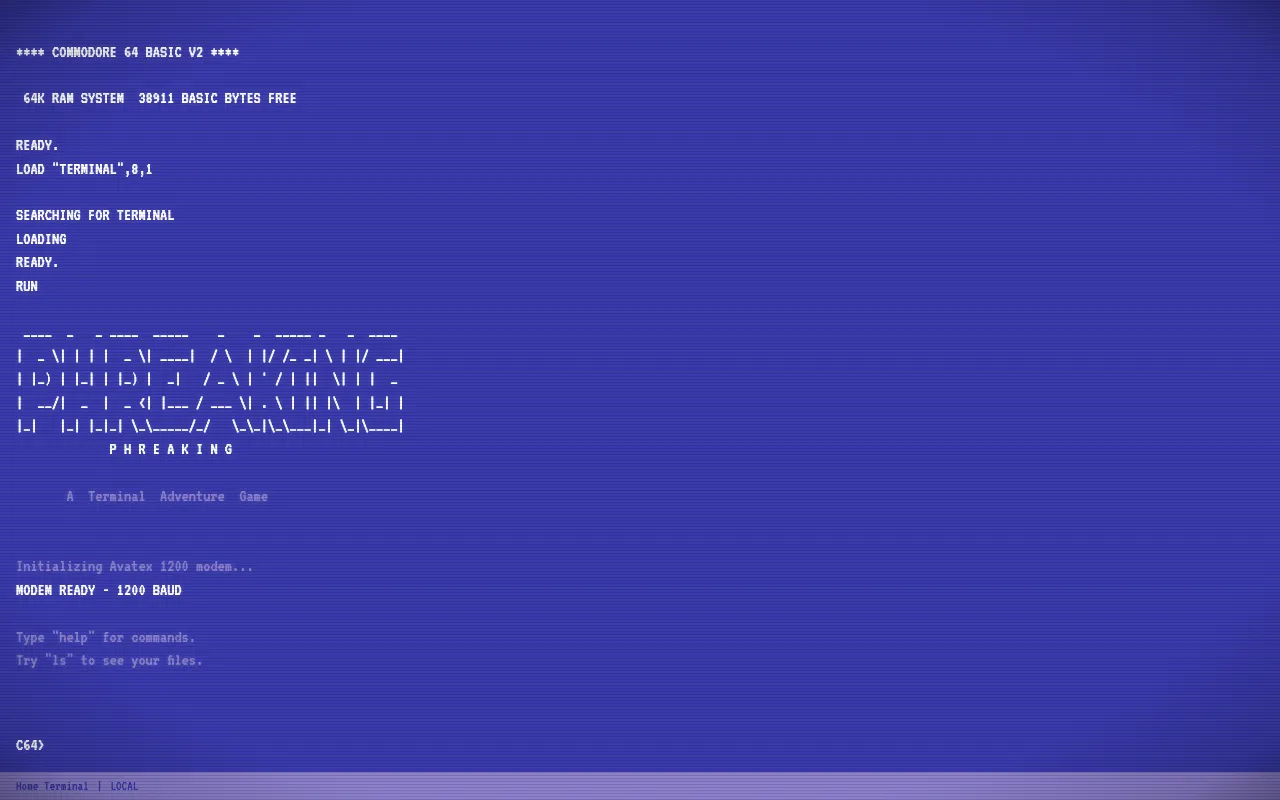
The Game
PHREAKING is a terminal adventure game. You start at a Commodore 64 home terminal with a 1200 baud modem and a phone number scrawled on a sticky note. From there you dial into BBS boards, read Phrack articles, discover new phone numbers, hack into a Pacific Bell 5ESS telephone switch, and eventually break into AUTOVON, the Department of Defense’s classified military phone network.
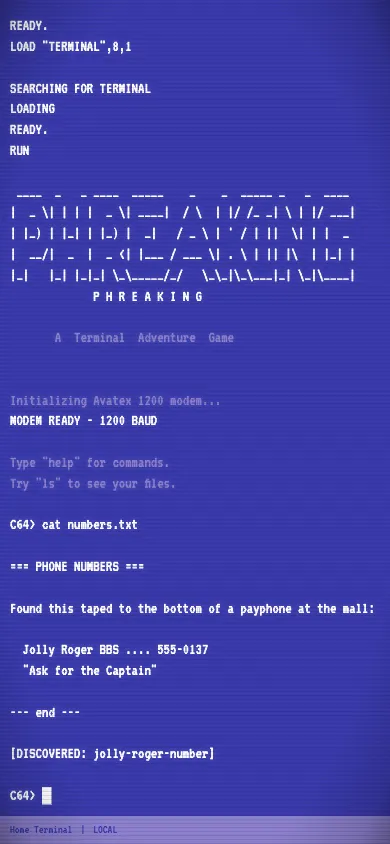
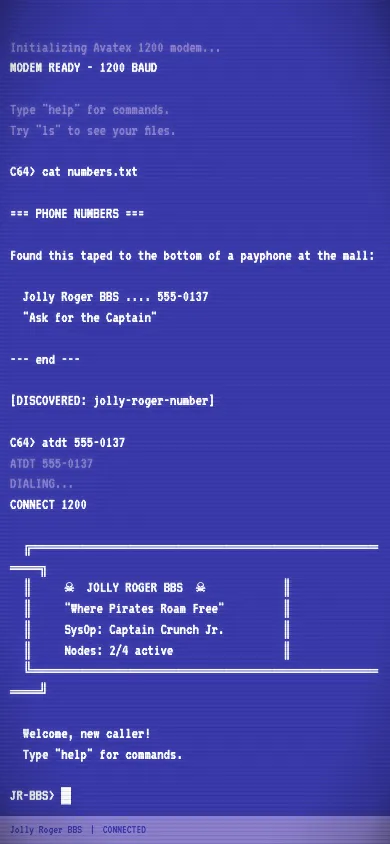
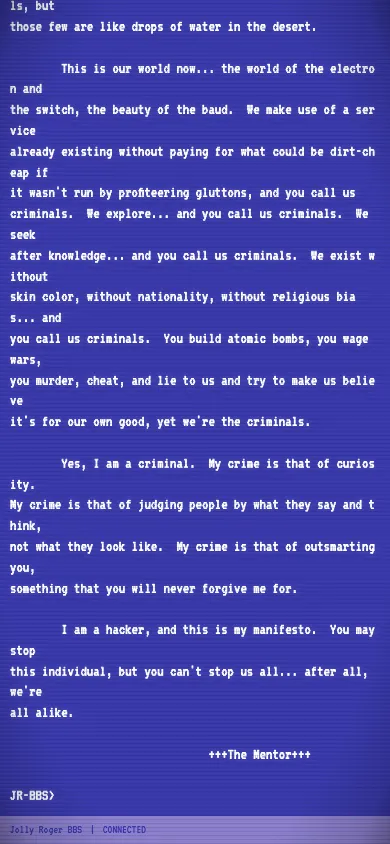
The whole thing is progression-gated by discovery. You can’t dial a number you haven’t found yet. You have to read the philes on each BBS, poke around message boards, and piece together clues to find the next system. It rewards curiosity.
No Audio Files
Every sound in the game is synthesized in real-time with the Web Audio API. No .mp3s, no .wav files, nothing. The DTMF touch tones when you dial a number are generated from the actual dual-frequency pairs that real phones use:
const DTMF_FREQUENCIES: Record<string, [number, number]> = {
  '1': [697, 1209], '2': [697, 1336], '3': [697, 1477],
  '4': [770, 1209], '5': [770, 1336], '6': [770, 1477],
  '7': [852, 1209], '8': [852, 1336], '9': [852, 1477],
  '*': [941, 1209], '0': [941, 1336], '#': [941, 1477],
};
The modem handshake sound is the fun one. It layers a carrier tone sweep, a white noise burst, and a sawtooth screech that ramps up to 2600 Hz (the magic frequency that phone phreakers used to seize trunk lines):
// Screech sweep - ramps to the legendary 2600 Hz
const screech = ctx.createOscillator();
screech.type = 'sawtooth';
screech.frequency.setValueAtTime(300, now + 0.8);
screech.frequency.exponentialRampToValueAtTime(2600, now + 1.2);
screech.frequency.exponentialRampToValueAtTime(1000, now + 1.4);
There’s also a constant 60 Hz sine wave running in the background to simulate CRT monitor hum. Little details like that go a long way.
Mobile-First with Haptics
Built to be played on your phone. For haptic feedback I used the web-haptics library. iOS Safari doesn’t support the Vibration API, so web-haptics uses a clever checkbox workaround to cheat haptics out of iOS web. Different events get different patterns: light taps for output, heavy thuds for modem connections, success buzzes for discoveries, error pulses for failed auth.
 The tap-to-start screen. Required on iOS to initialize AudioContext inside a user gesture.
Getting audio and haptics to work reliably on mobile was honestly the hardest part of the whole project. iOS has this thing where AudioContext gets set to “suspended” even inside gesture handlers, plus a non-standard “interrupted” state when you get a phone call or lock the screen. Android Chrome had a different problem where the hidden input element caused the IME to type backwards. Both required their own workarounds.
The Victory
The endgame hits different. After hacking through two BBS boards and a PacBell telephone switch, you finally reach AUTOVON. The game goes quiet for a moment, then:
{ text: "The phone rings.", d: 1000, style: 'bright' },
{ text: "You stare at it.", d: 600 },
{ text: "It rings again.", d: 800, style: 'bright' },
{ text: "You pick it up.", d: 600 },
{ text: '"We know who you are."', d: 800, style: 'amber', haptic: 'error' },
{ text: 'Click.', d: 1000 },
The haptic: 'error' on “We know who you are” was a deliberate choice.
Tech Stack
React 19, TypeScript, Vite, Zustand for state management. The game state is split into four Zustand slices: terminal (display buffer, command history), connection (current system, dial status), player (inventory, skills, discoveries), and game meta (phase, stats). All command handling is done through a handler registry that routes commands based on which system you’re connected to.
Play it at phreaking.asynchronous.win.